
Nord Piano 6 73 | Expressive Sound and Creative Freedom
Discover the Nord Piano 6 73, featuring world-class piano sounds, expressive playability, advanced sample synthesis and intuitive controls.

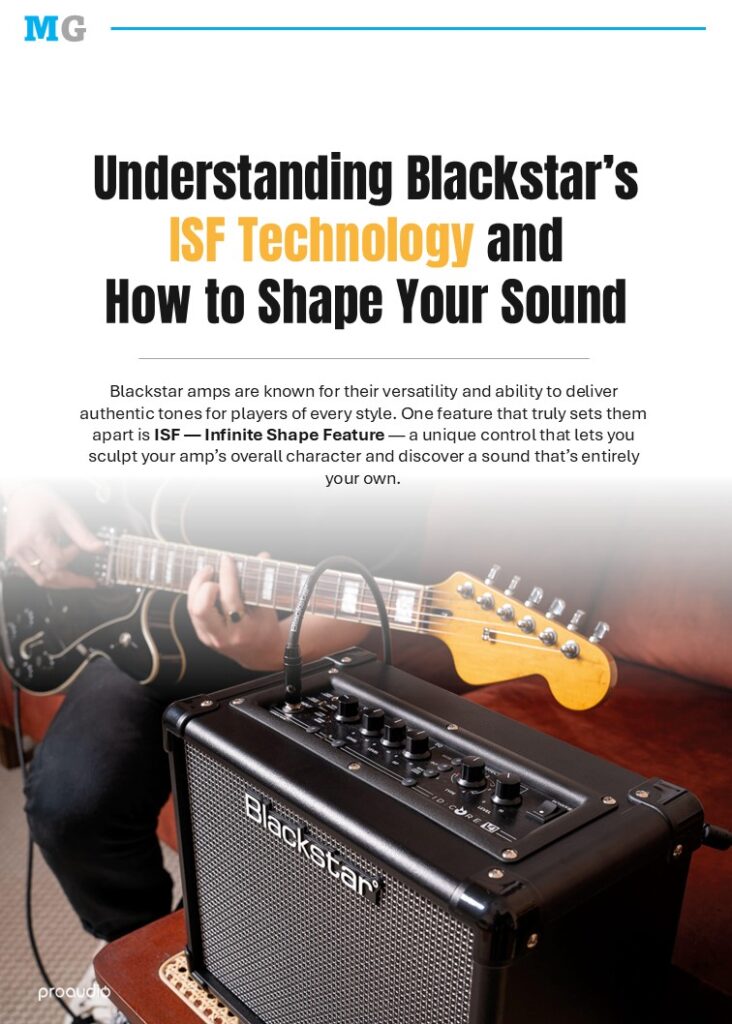
Blackstar’s ISF Technology is a revolutionary feature that gives guitarists total control over their tone. With Blackstar’s ISF, players can shape their sound along a tonal spectrum, discovering unique textures that match their playing style.
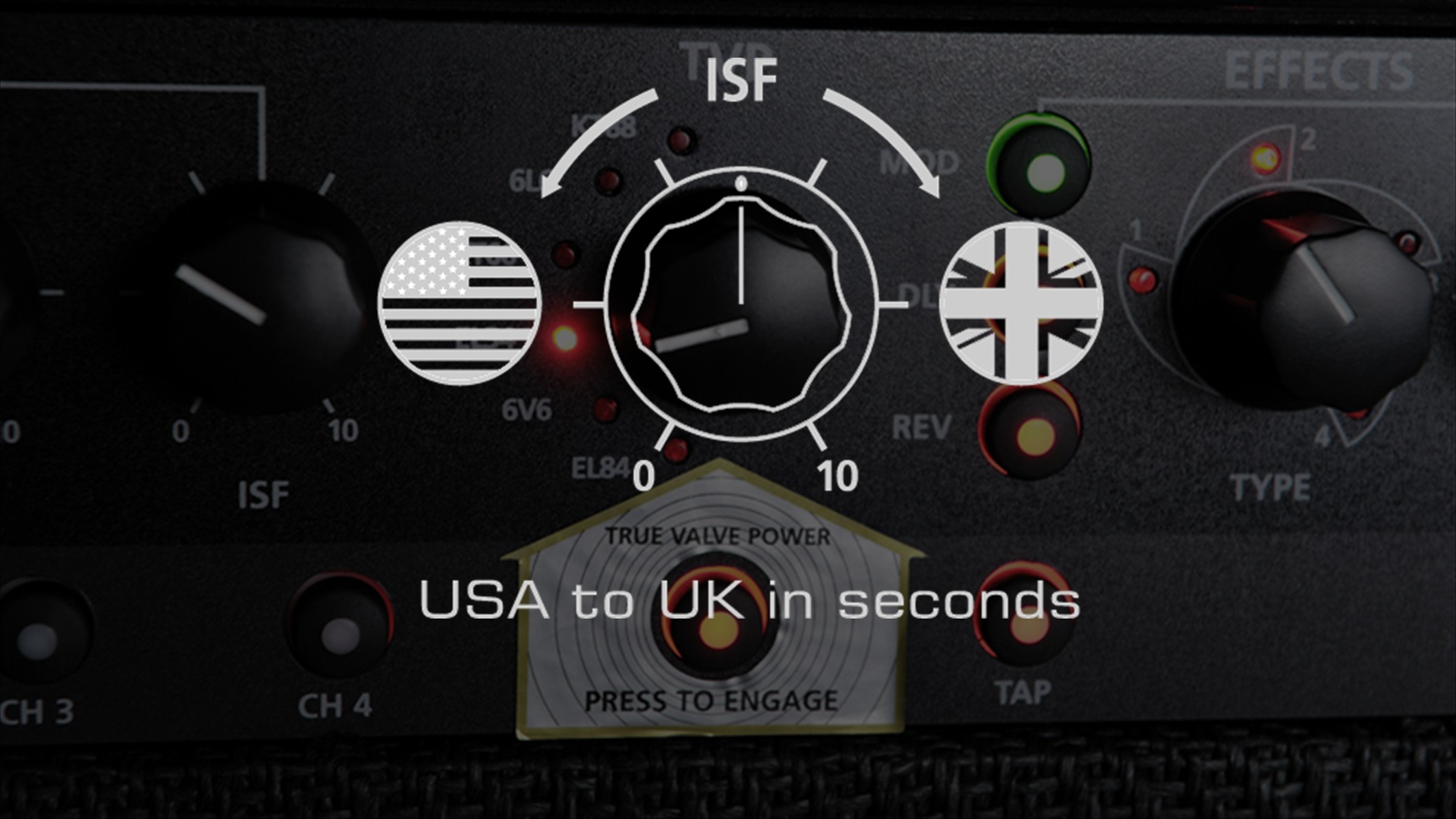
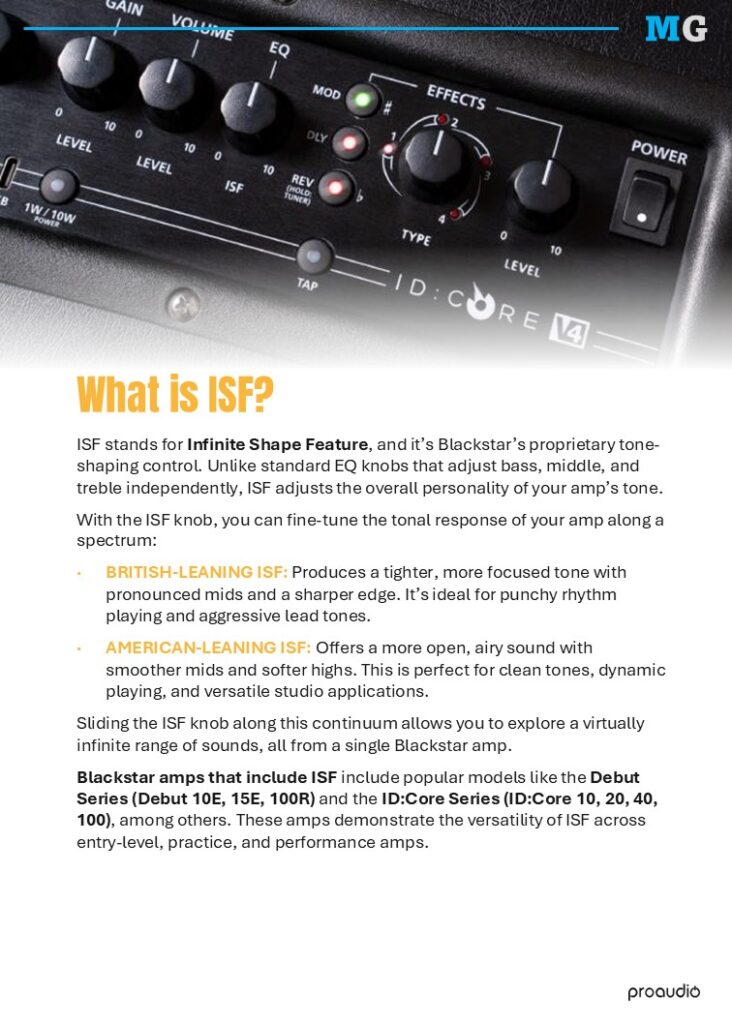
ISF stands for Infinite Shape Feature, and it’s Blackstar’s proprietary tone-shaping control. Unlike traditional EQ knobs that adjust bass, middle, and treble separately, ISF changes the overall tonal personality of your amp.
With the ISF knob, you can fine-tune your amp’s character along a smooth tonal range:
British-Leaning ISF: Creates a tighter, mid-focused tone with sharper highs. Ideal for punchy rhythm and cutting leads.
American-Leaning ISF: Produces a more open, airy tone with smoother mids and softer highs. Perfect for clean tones and dynamic studio use.
Sliding the ISF knob along this range lets you explore an almost infinite palette of sounds from a single Blackstar amp.
Popular Blackstar amps featuring ISF include the Debut Series (Debut 10E, 15E, 100R) and the ID:Core Series (ID:Core 10, 20, 40, 100). These models showcase the versatility of ISF across practice, recording, and performance setups.
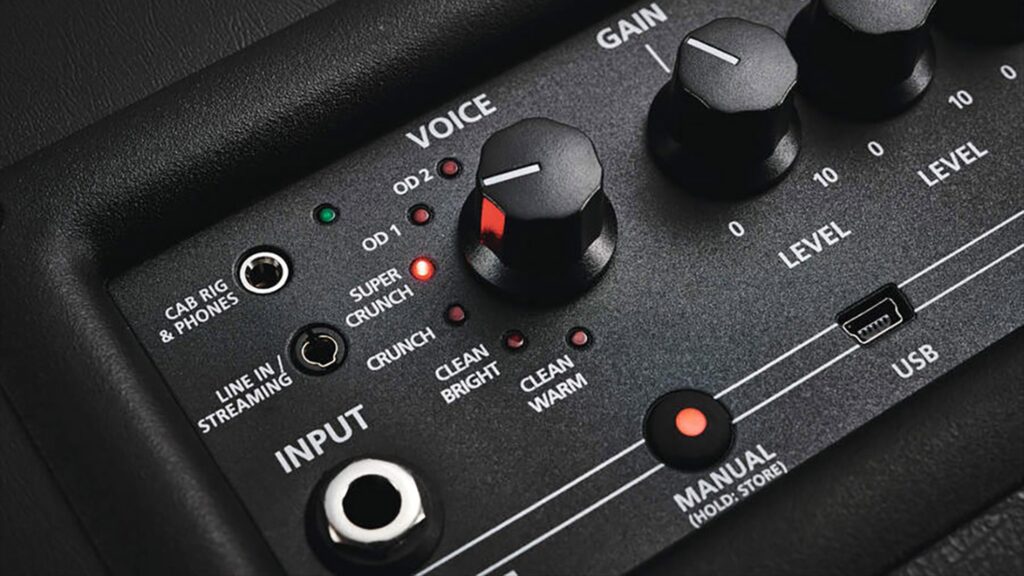
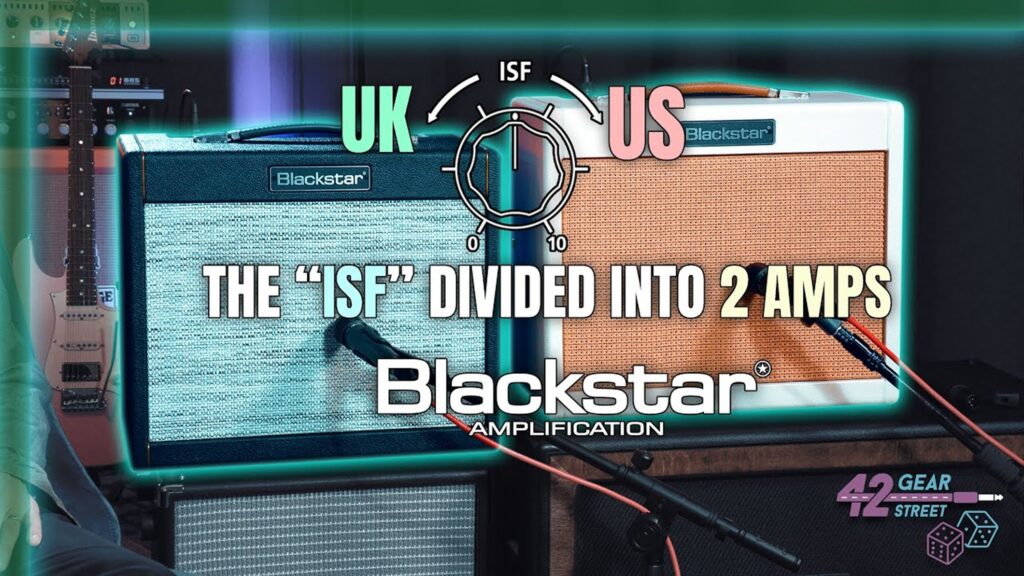
Traditional amps often lock you into a fixed tonal character.The ISF Technology breaks that limitation by letting you customize the overall voice of your amp. Whether you need a tight, focused sound for high-gain riffs, or a spacious, smooth tone for clean playing, ISF gives you the flexibility to get there without changing amps or relying heavily on pedals.
Blackstar’s ISF redefines how guitarists approach tone. It breaks traditional barriers by allowing players to sculpt their amp’s voice to fit any style or genre. Whether you crave tight, aggressive distortion or smooth, shimmering cleans, ISF allows you to achieve both – no extra pedals or amps required.
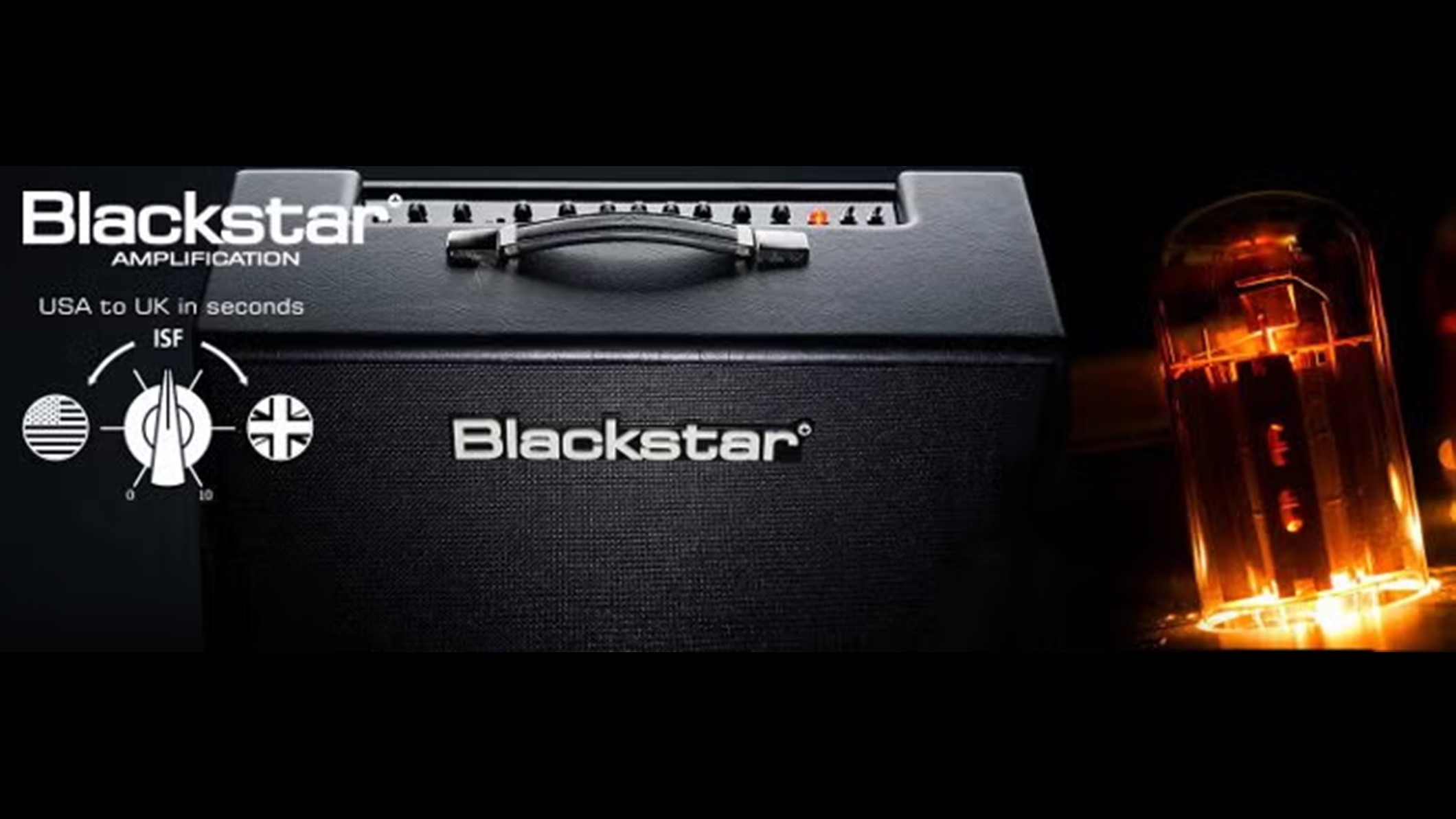
1. Start Neutral:
Set your EQ to the middle positions and keep gain low. This provides a balanced starting point.
2. Adjust the ISF:
Turn the ISF knob gradually. Listen as mids, highs, and overall tone character shift across the spectrum.
3. Refine with EQ:
After setting your ISF preference, fine-tune the bass, middle, and treble to lock in your tone.
4. Experiment with Gain and Effects:
ISF interacts beautifully with gain and pedals. The British side delivers cutting aggression, while the American side stays smooth and rich.
5. Save Your Settings:
If your amp supports presets, like the ID:Core Series, save your favorite ISF settings for future use.
With this innovative ISF control, tone-shaping becomes effortless, musical, and deeply personal. You no longer need multiple amps to find your perfect sound – it delivers infinite tonal flexibility in one powerful feature.
Discover the Nord Piano 6 73, featuring world-class piano sounds, expressive playability, advanced sample synthesis and intuitive controls.
Discover the Midas M32R LIVE, featuring 16 Midas PRO preamps, 40 input channels, 25 mix buses and flexible professional connectivity.

Discover the Gibson Les Paul Standard 50s Plain Top in Olive Drab, featuring vintage-inspired tone, classic craftsmanship and timeless Gibson style.

Discover the HK Audio PORTABLE SUB series, featuring powerful, precise bass and flexible integration with LUNAR, POLAR MK2 and SONAR systems.

Discover how the Mewzo artist booking platform helps musicians improve visibility, manage bookings and maximise summer performance opportunities.

Discover the PowerWorks Jupiter BPA 15, featuring battery power, dual VHF microphones, Bluetooth, app control and USB and SD playback.